Options
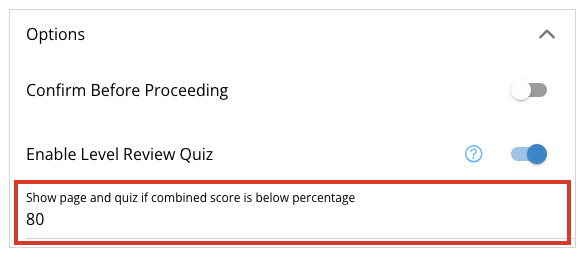
The options menu contains extra options for your page.
Confirm Before Proceeding
This option creates a pop up on the page when the user selects next to ask if they want to continue or stay on the current page.
Continue to Next Page
You may also edit the message text and change what it will display to the user.
Custom Message
Once added to the page the prompt will occur for all users (including editors) so take that into account when selecting this option.
Enable Level Review Quiz
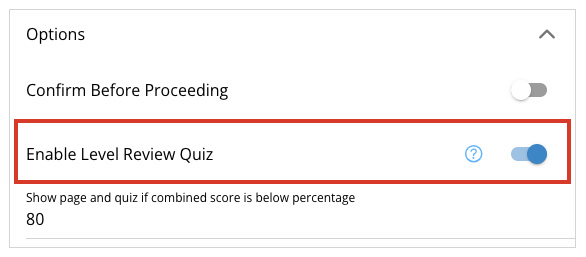
The Enable Level Review Quiz option will generate a quiz on the page from previously failed questions in the level. It ignores questions that are in Branching pages.
Passing Score
Type the percentage the user needs to pass to have the quiz not be displayed on the page. If the user has passed the percentage, the review quiz page will be skipped. The percentage is the total of all scorable quiz questions in the level pages prior to the review quiz page.
Note: A quiz question must be marked as “scorable” to be included in the review quiz.