Markdown
Overview
Paragraphs
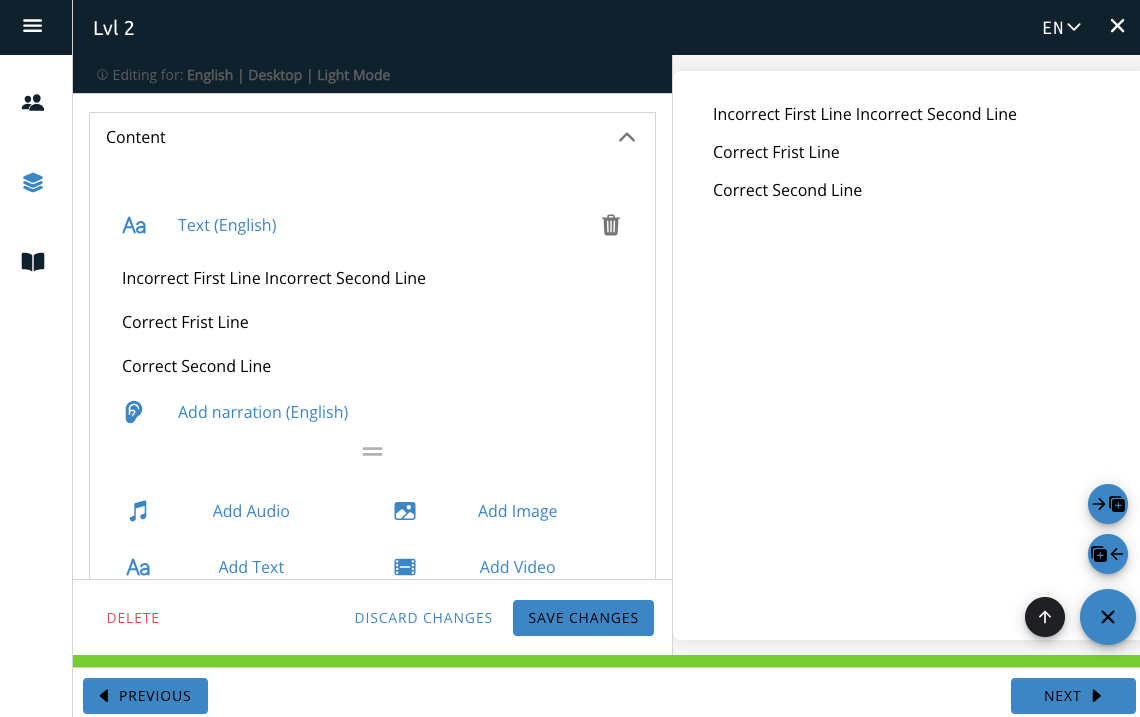
To separate text on different lines, there must be one blank line included between the text.
This will create a new “paragraph” for each block of text.
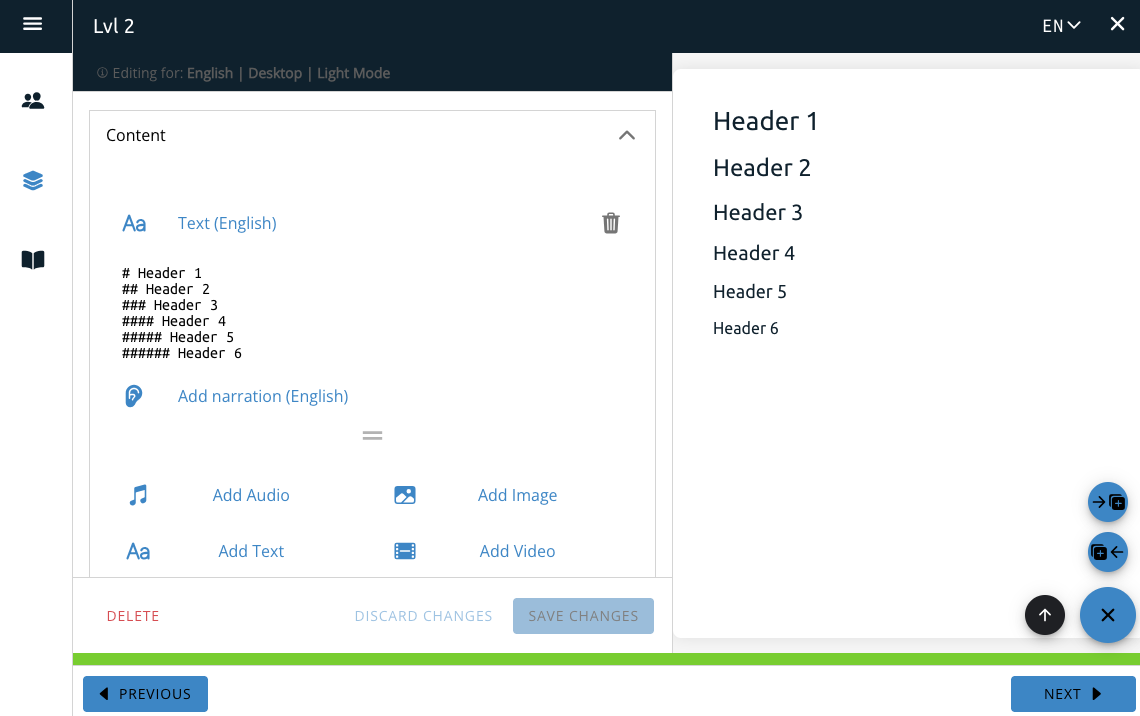
Headers
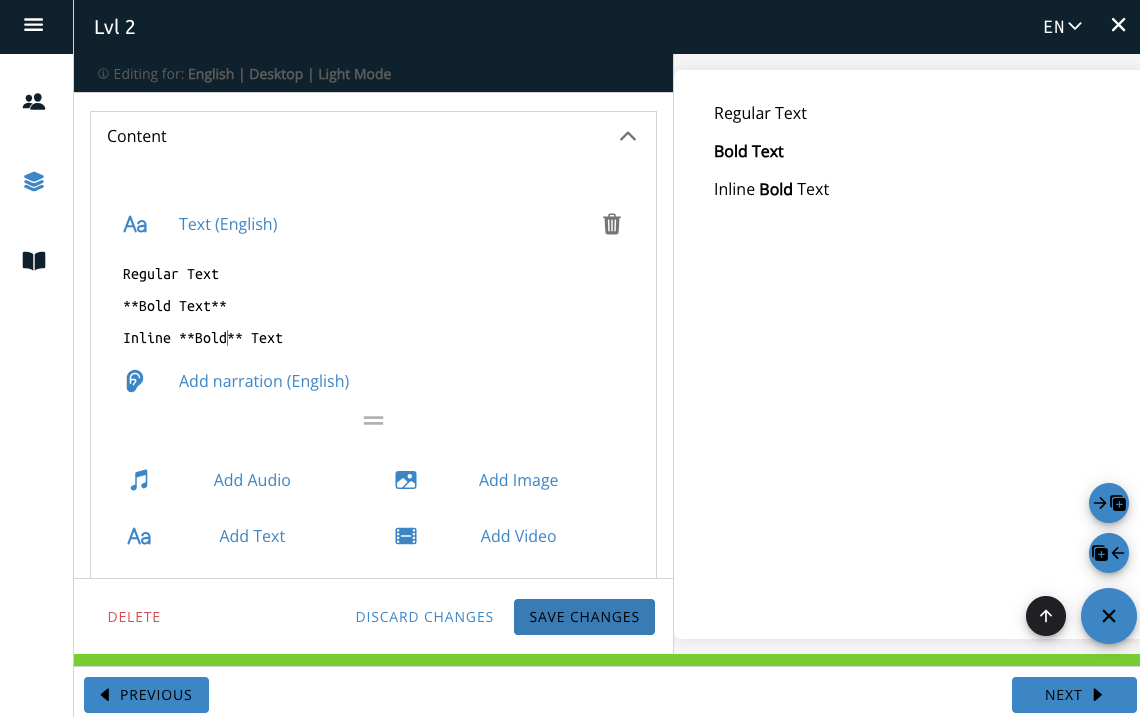
Bold and Italic
Note: There must be no space between the * and text at both the beginning and end of the block.
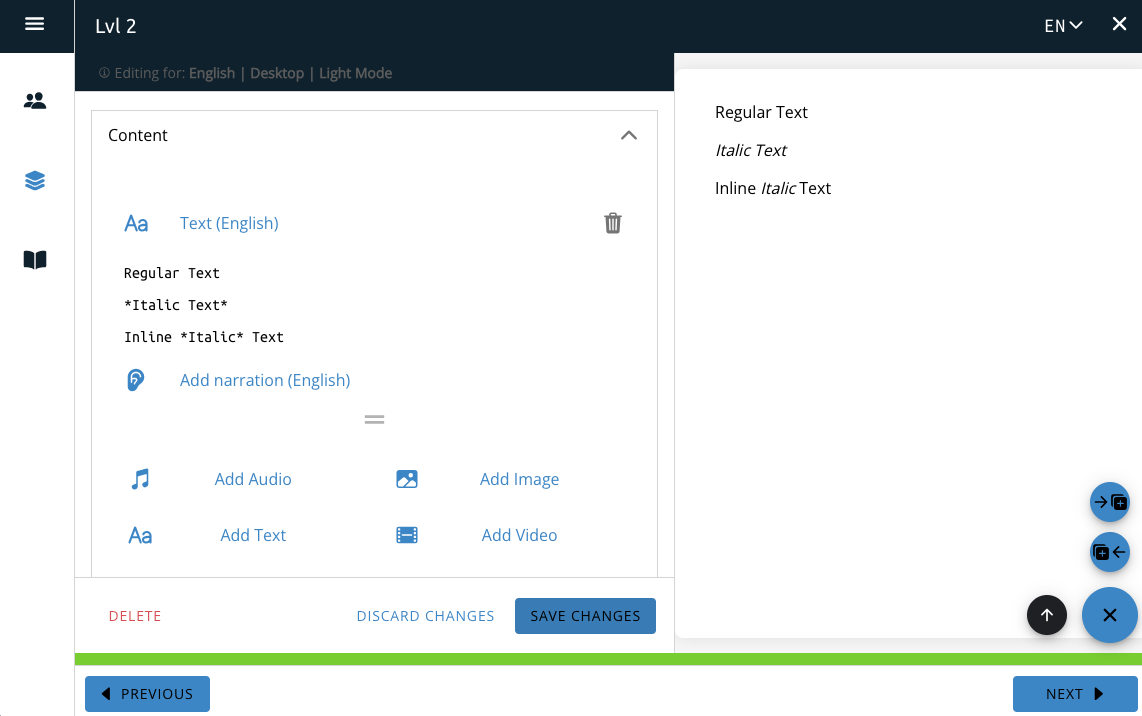
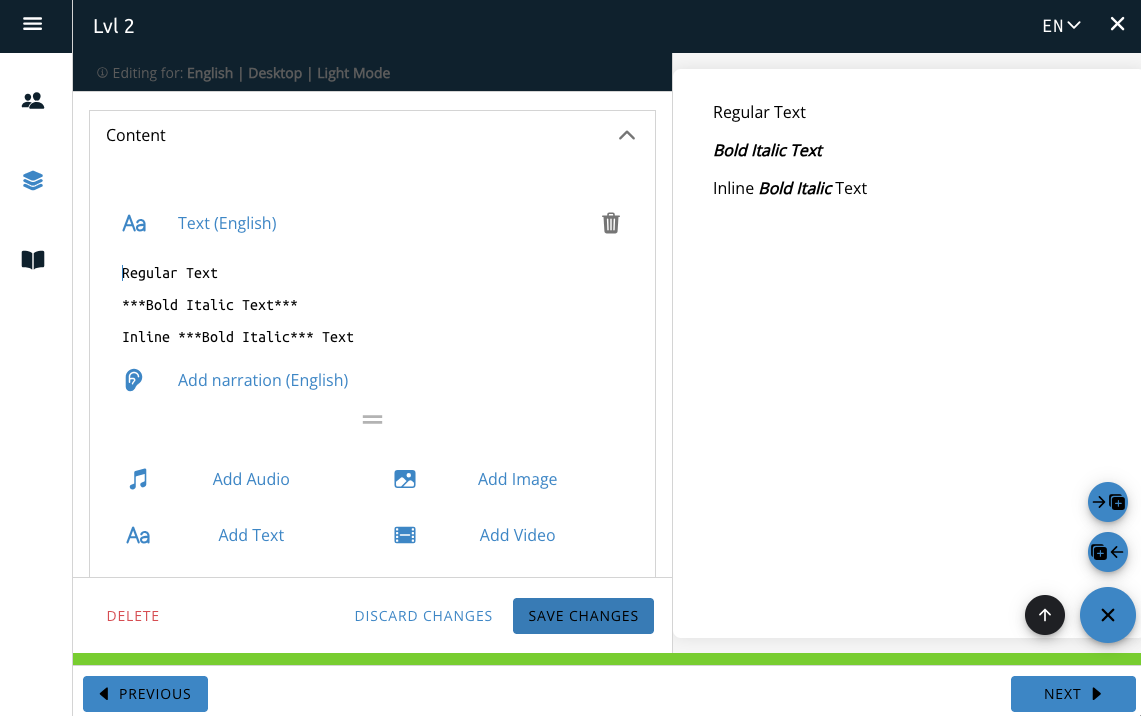
Italics
To create italic text, include one * at the beginning and end of the block of text you want to make italic. Italic text can be used inline.
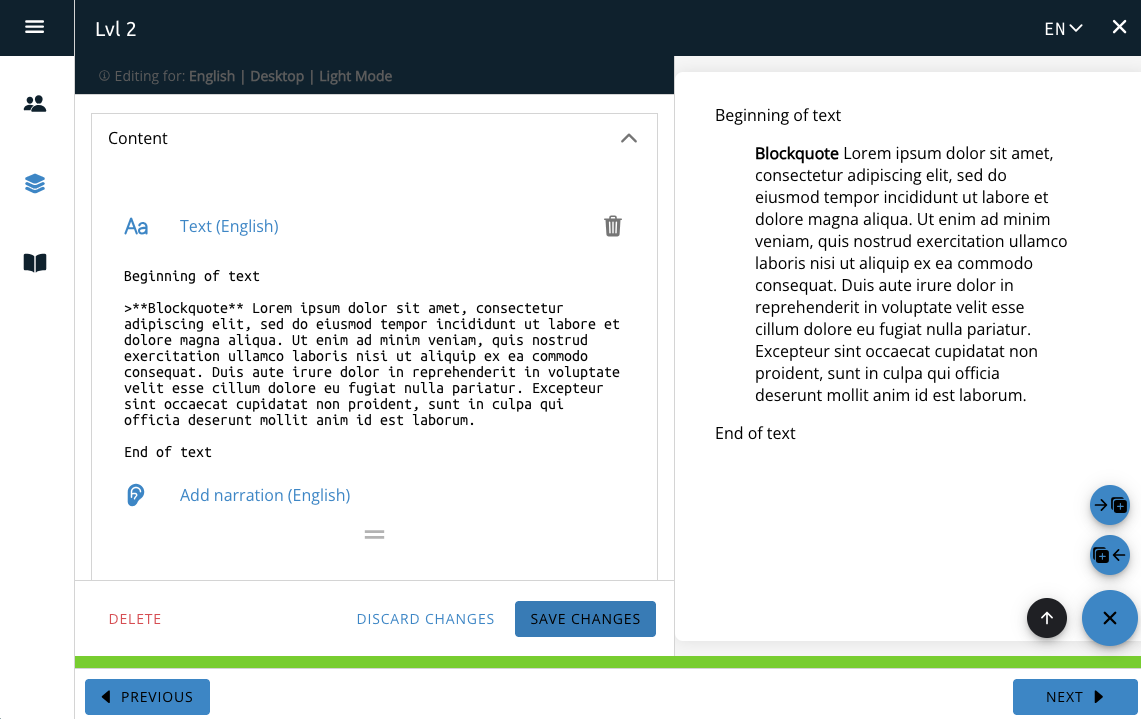
Blockquote
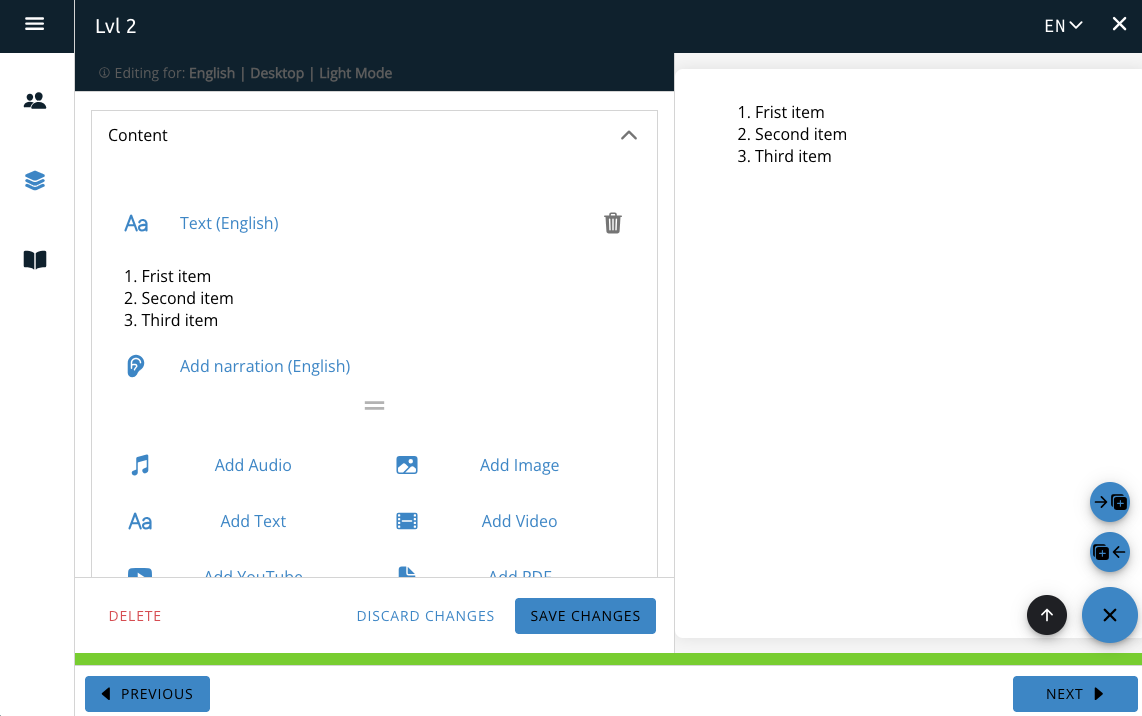
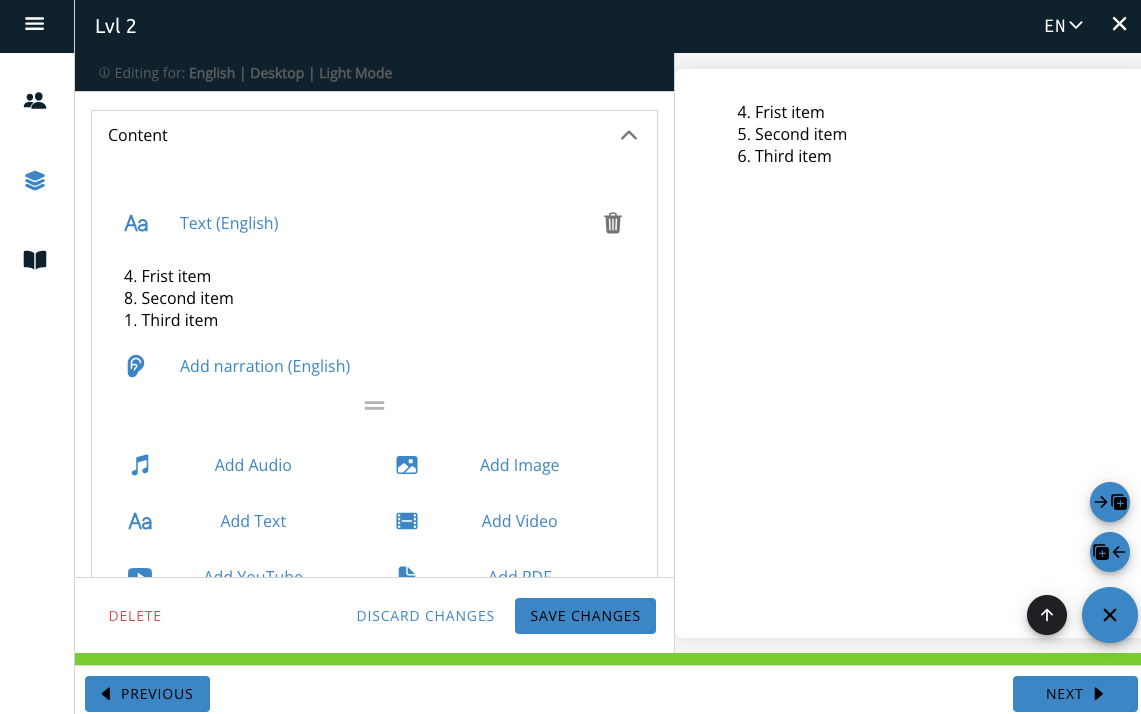
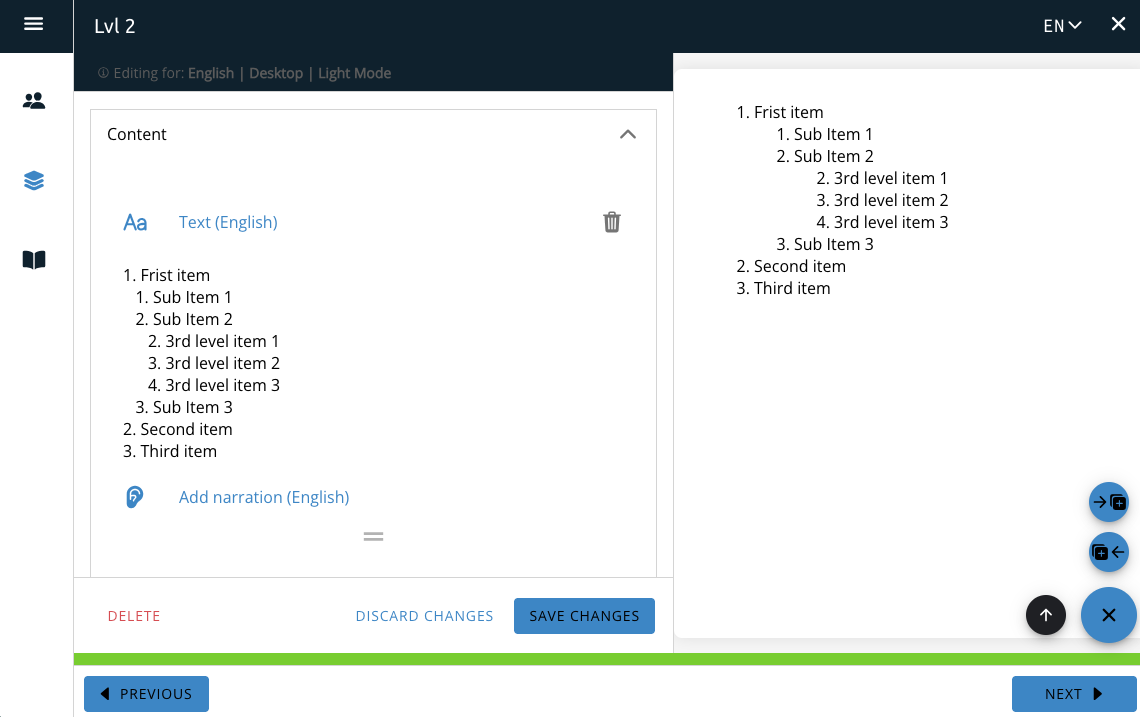
Ordered Lists
Note: There must be a space between the period and the start of the text block for it to count in the list.
Unordered Lists
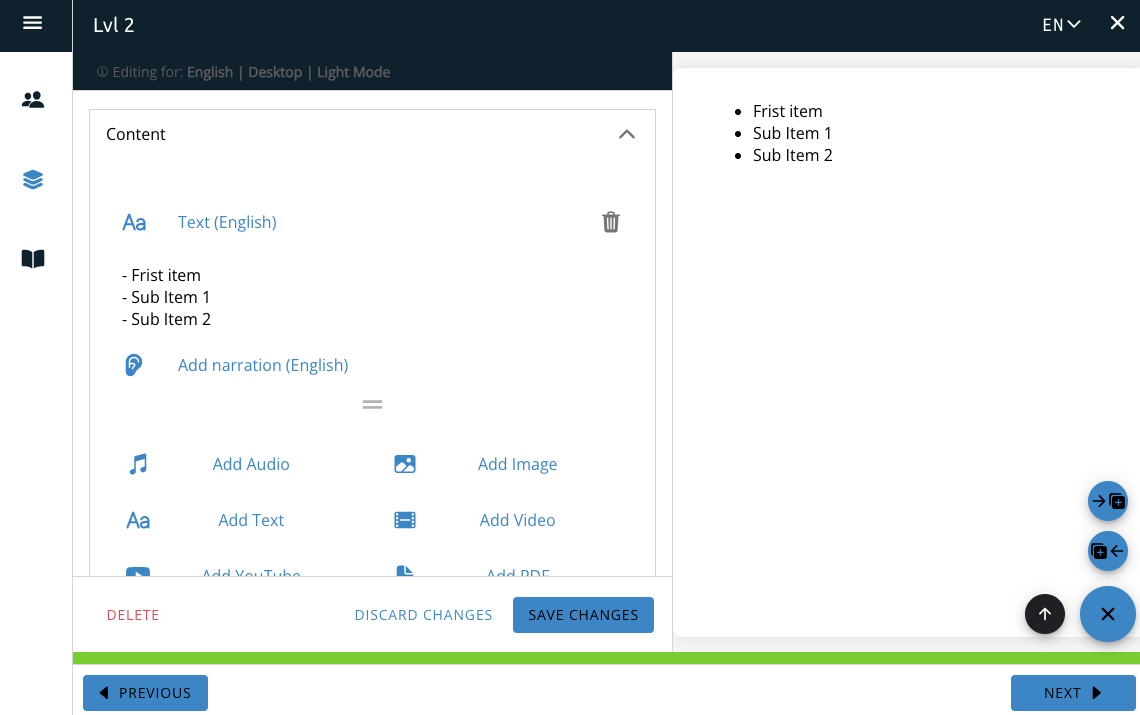
An unordered list can be added by starting a line with a – and a space. Each line in the list must begin with a – and a space to create the list.
Note: There must be a space between the – and the start of the text block for it to count in the list.
You can create nested unordered lists by putting 2 spaces at the start of the line. Each level down requires an additional 2 spaces (for example: the third level would need 4 spaces from the start of the line.)
An unordered list can be added by starting a line with a – and a space. Each line in the list must begin with a – and a space to create the list.
Note: There must be a space between the – and the start of the text block for it to count in the list.
You can create nested unordered lists by putting 2 spaces at the start of the line. Each level down requires an additional 2 spaces (for example: the third level would need 4 spaces from the start of the line.)
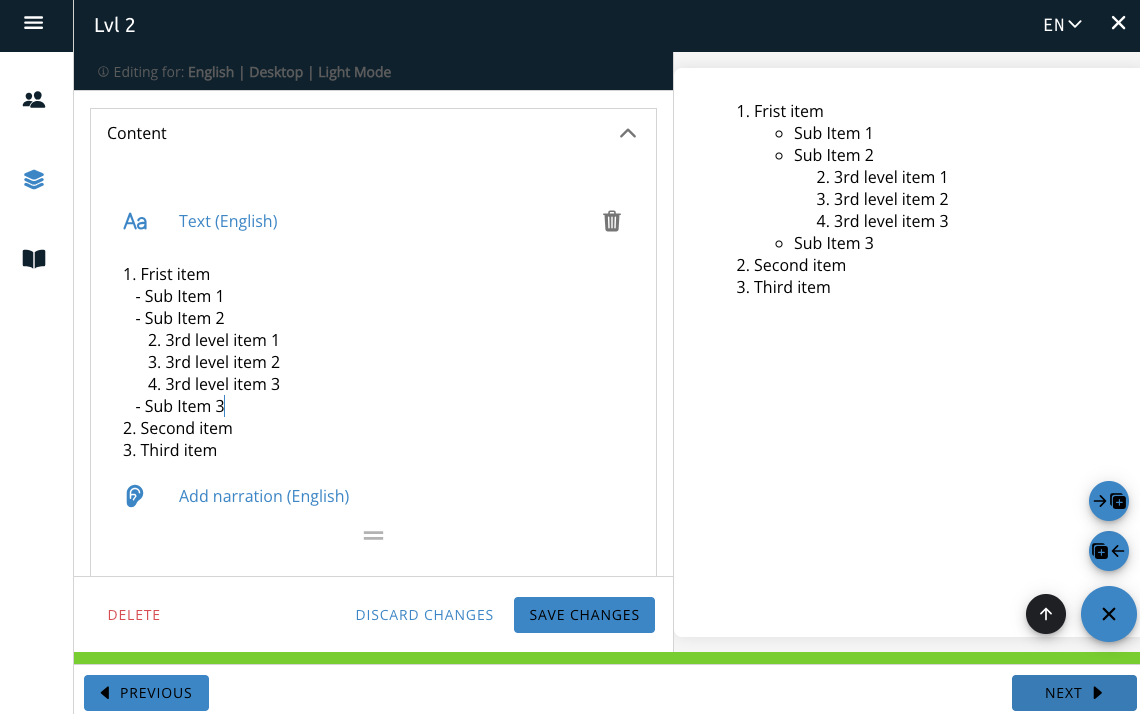
You can also combine Ordered and unordered lists into a mixed list.
Unordered List
Nested Unordered List
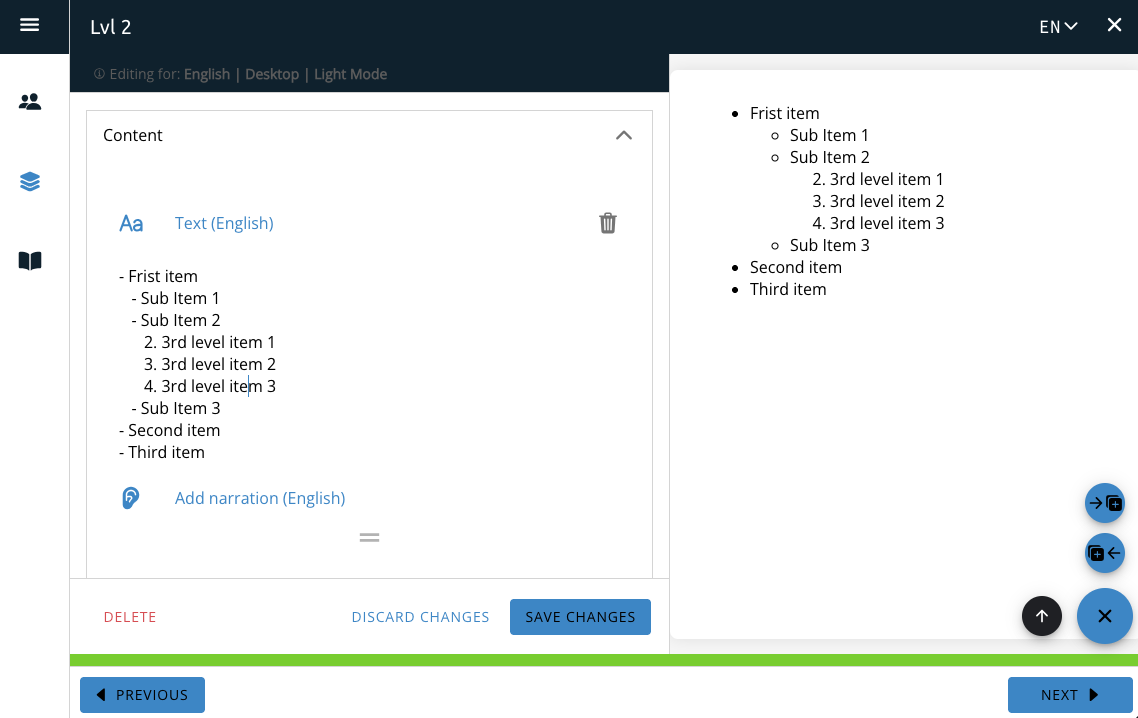
Ordered and Unordered List
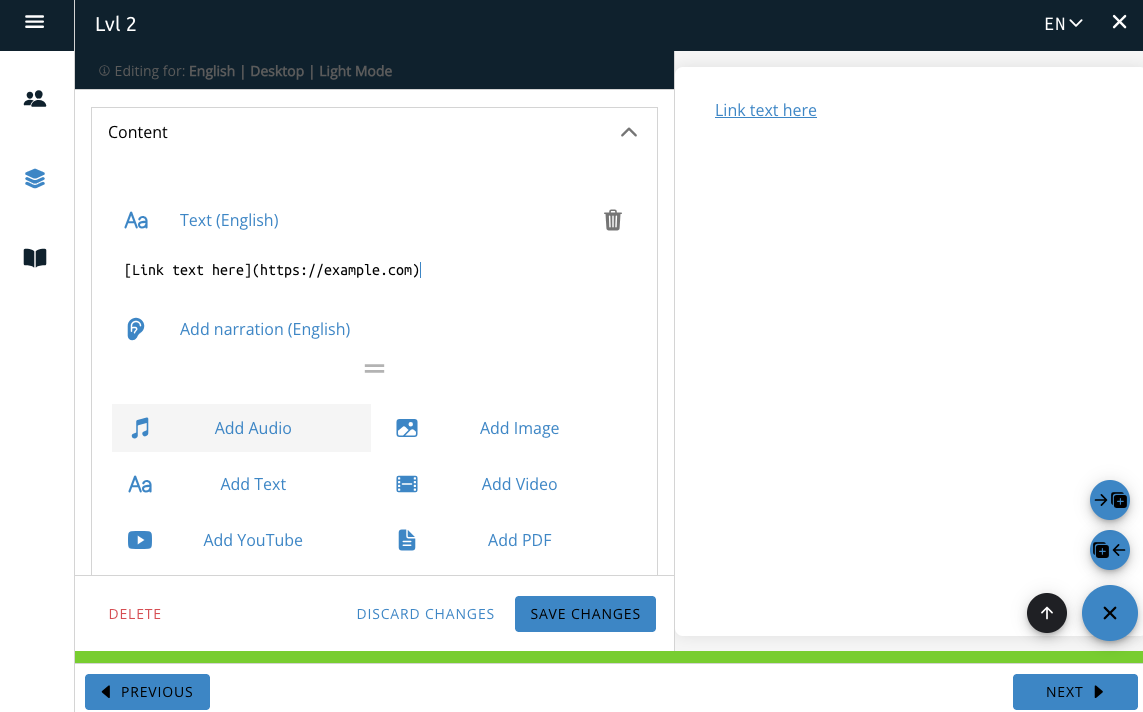
Links
Delete, Discard and Save
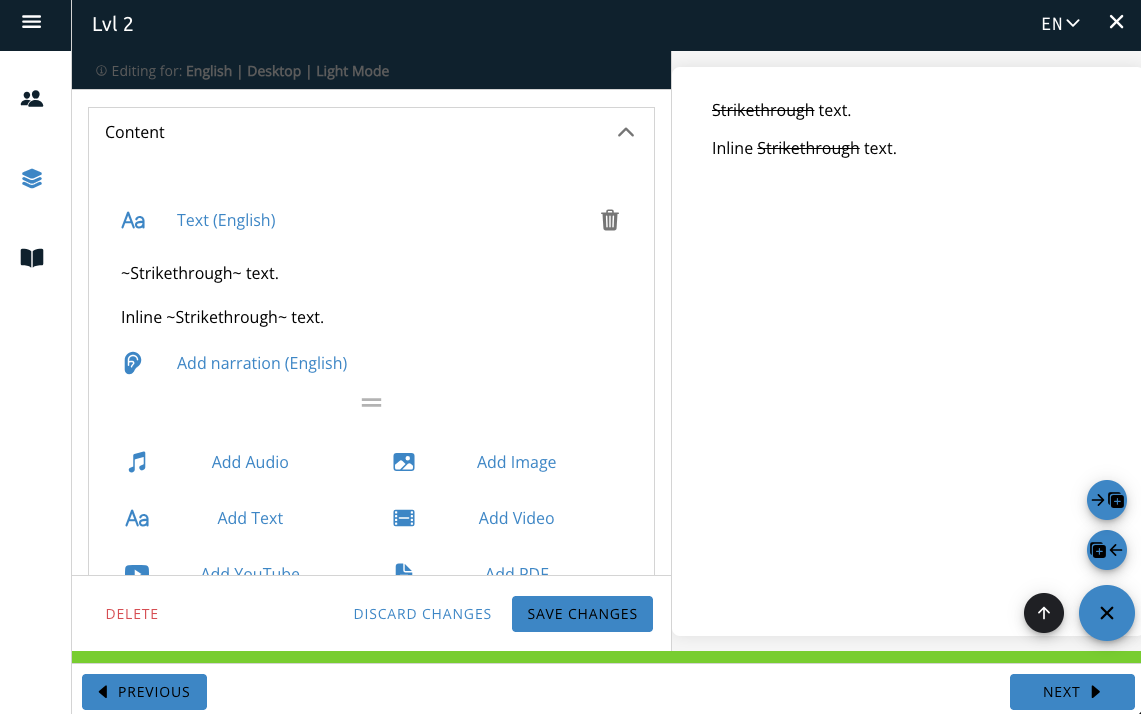
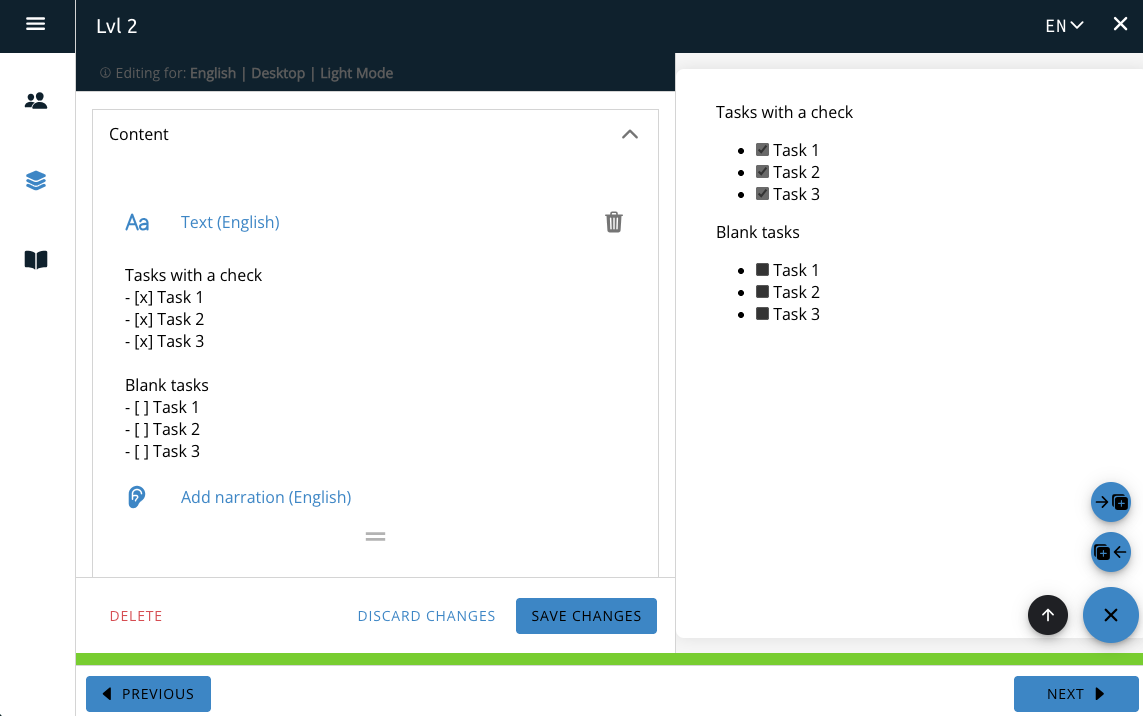
Task List
To include a task list (a list with checkboxes) you need to start the line with a – and then [ ] with either an x (for a check) or a space (for a blank) included between the brackets, and then the text. The task list is not interactable and is for display only.
There must be a space between the – and [ ] and the [ ] and the text. The task list cannot be included inline and must start a line.