Features
Overview
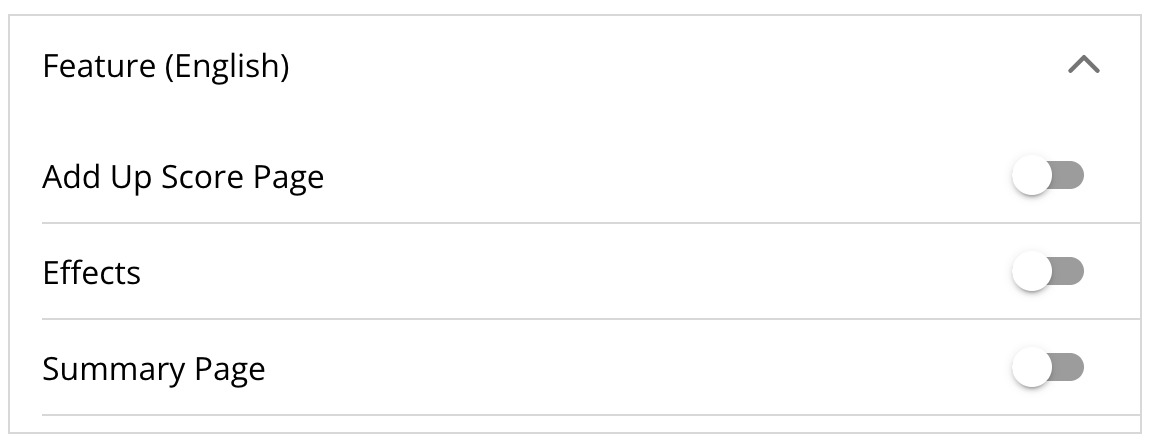
Features are interactive elements that can be added to the page to provide different functionality.
By default, the only available features are Add Up Score Page, Effects, and Summary Page. While additional features are tailored to specific projects, this guide will provide a brief overview of each feature.
Features can be displayed on the page with other content or quizzes. The features will show up beneath all other content.
Universal Features
All Current Features
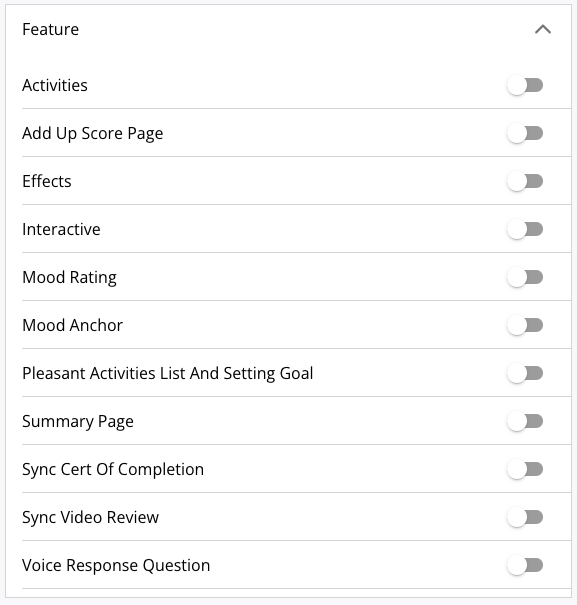
Activities
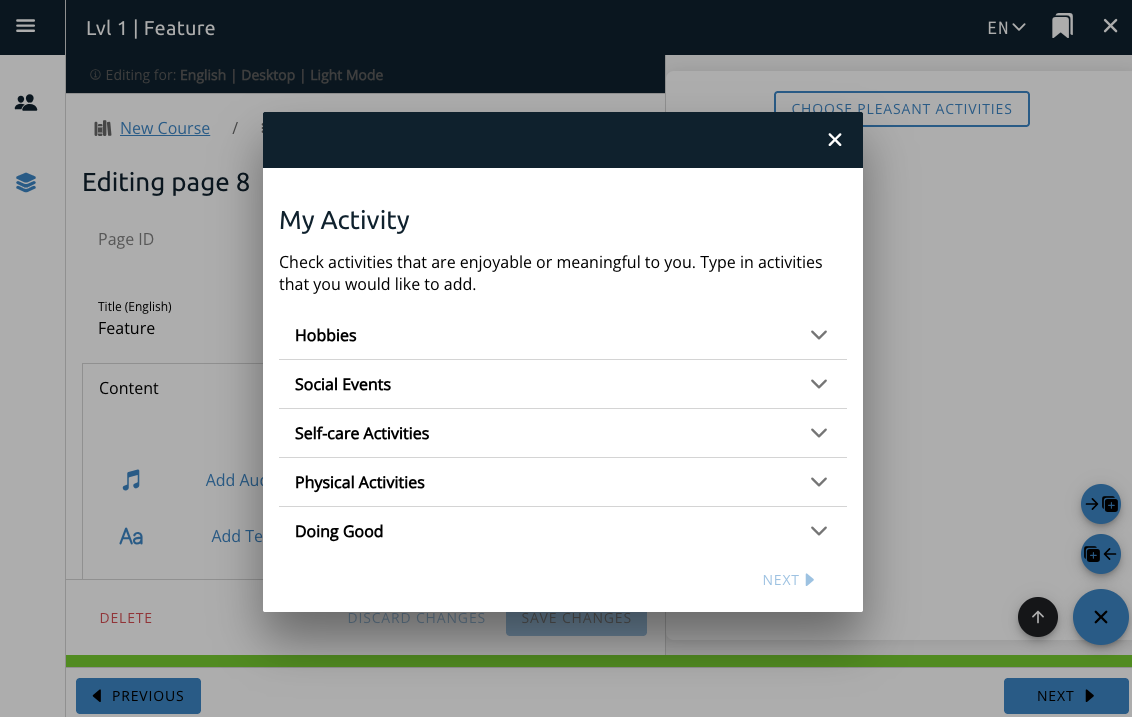
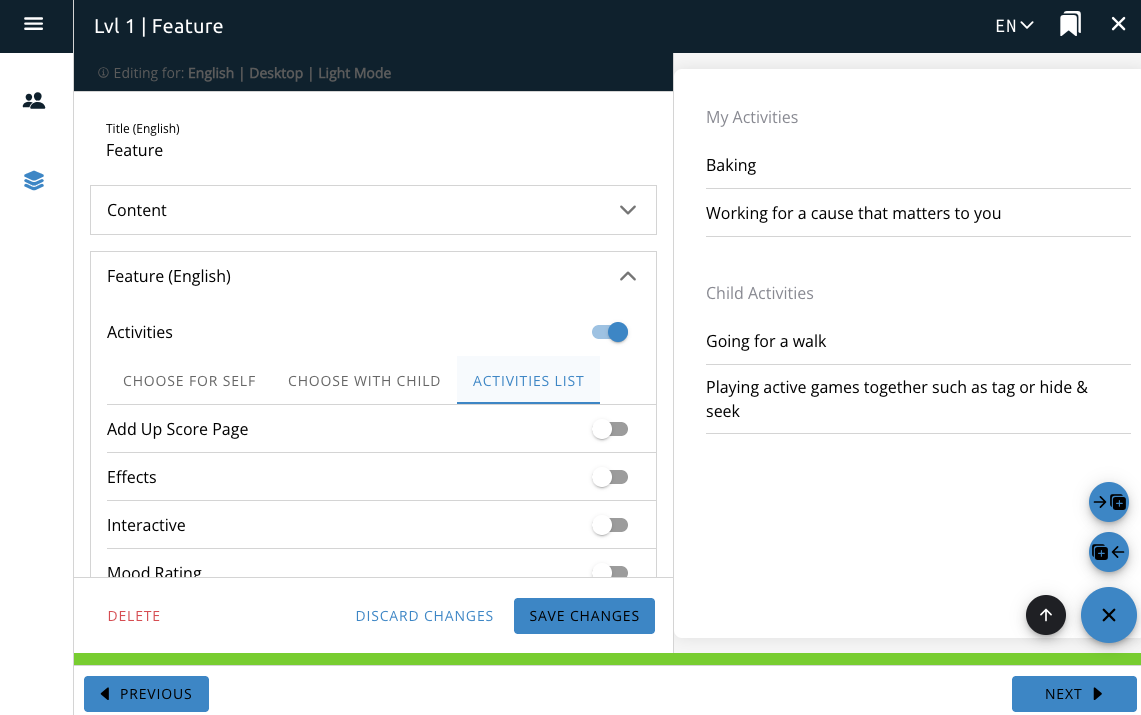
The Activities feature interacts with the Pleasant Activities course option and provides a button or a list on the page for the user to directly interact with the Pleasant Activities functionality.
The choose for self and choose with child options will create a button on the page that when clicked will create a selection box for the user to select or create a pleasant activity.
The activities list option will show a list of previously selected activities.

Add Up Score Page
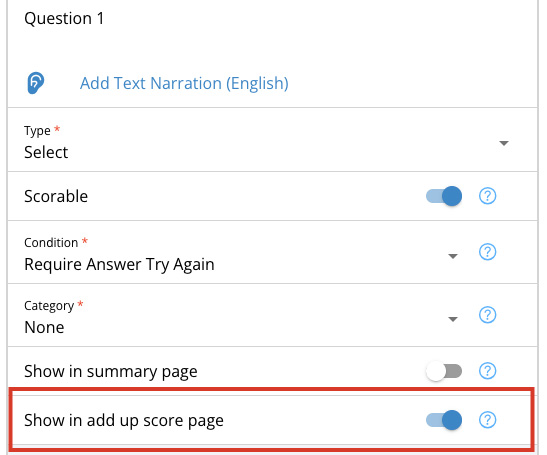
If you toggle on the add up score page feature, this will add a tally to the page that shows the user how many questions they got right.

Effects
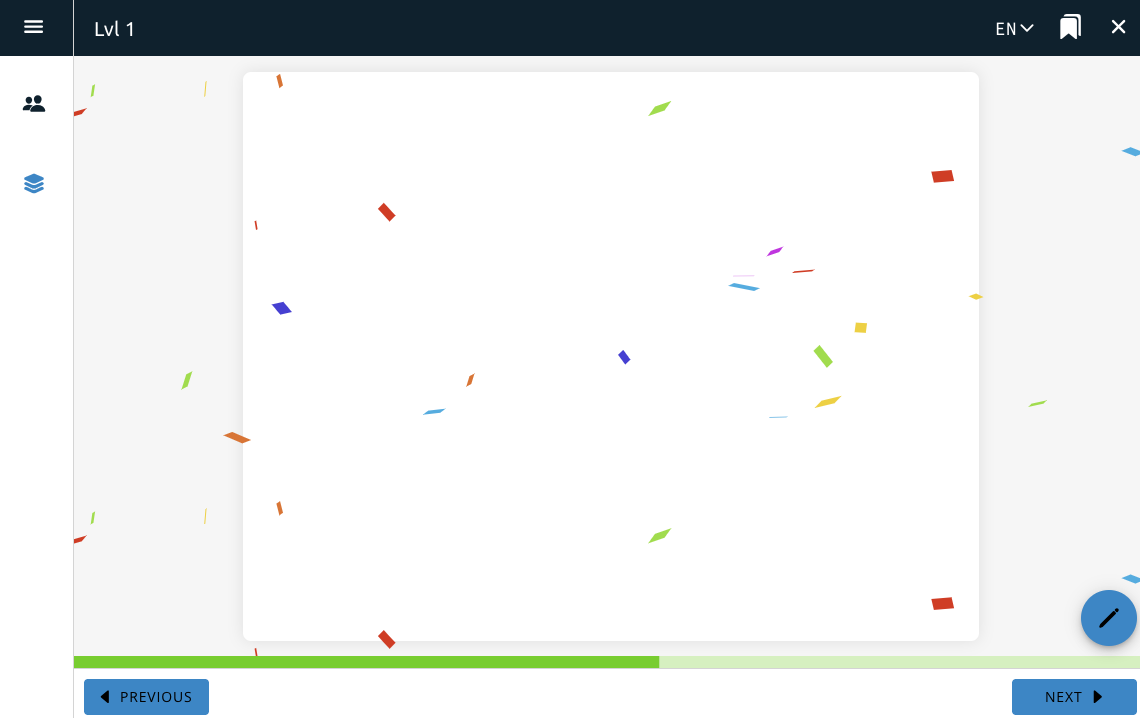
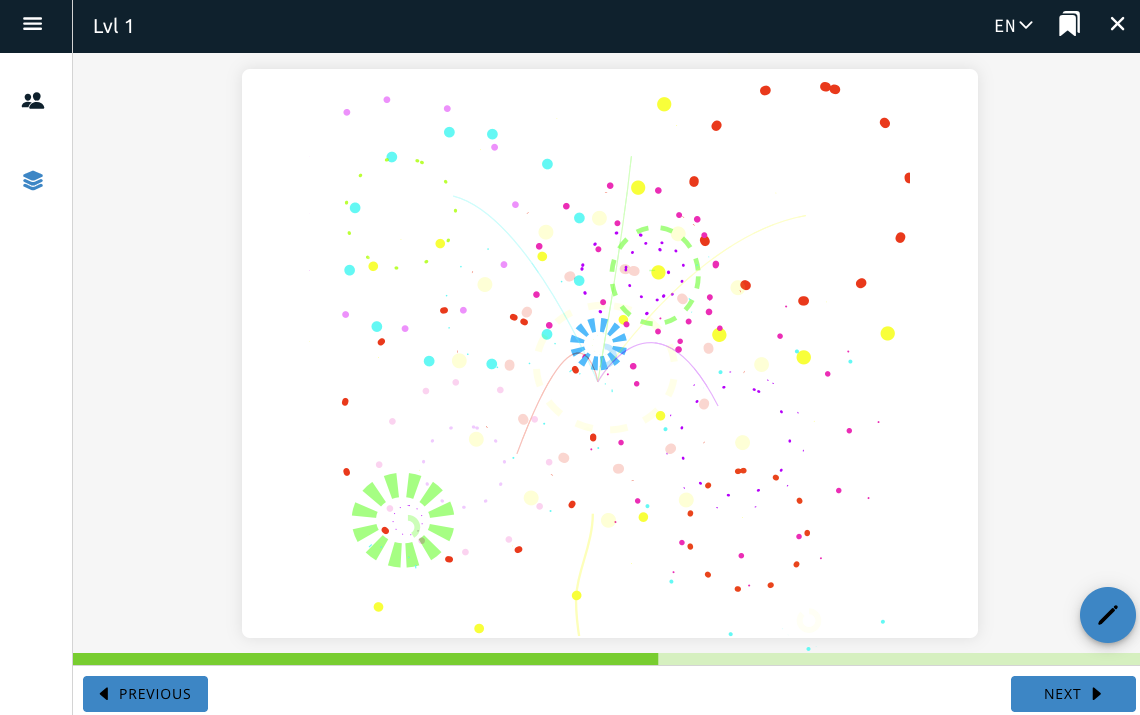
Effects will add animations over the top of page content. There are currently two options, one with confetti effects that includes a short musical jingle, and a second with a fireworks animation effect.

Interactive
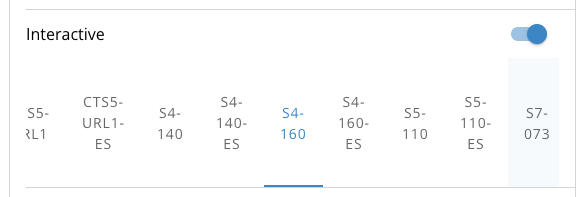
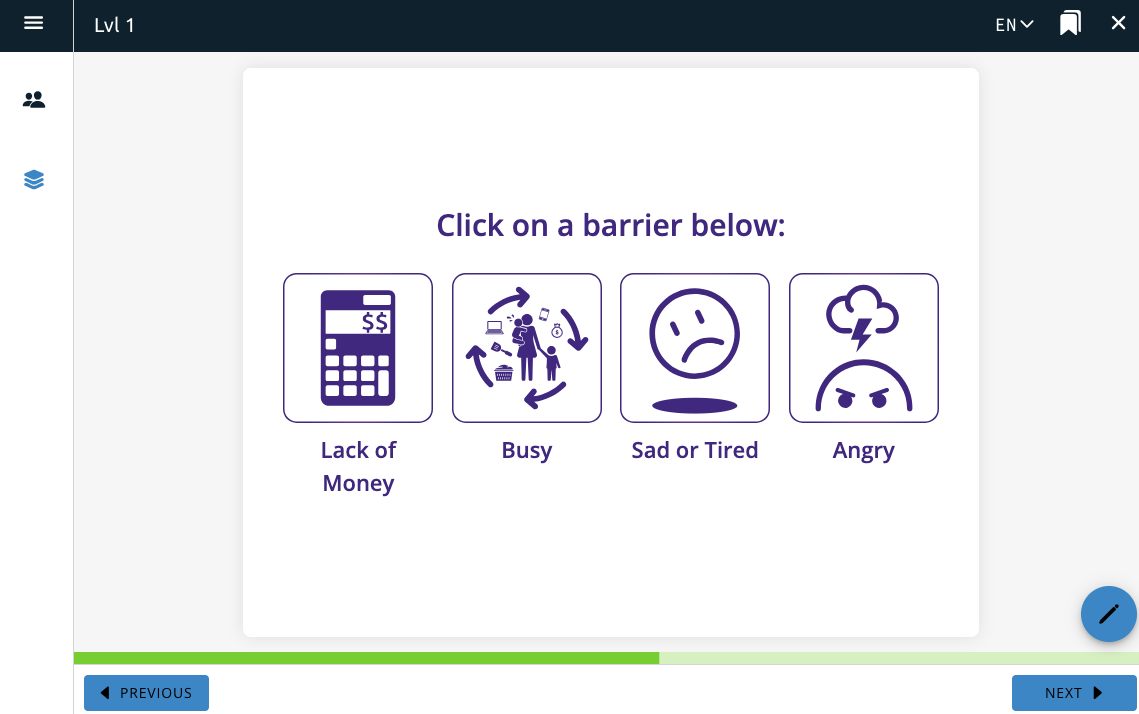
The Interactive feature allows you to select from a list of interactive animations to add to the page. This feature has been tailored to the MomNet project, and currently only includes content used in that project.
Selecting one of these interactives animations puts the interactive on the page. After saving, it will be available on the page for users to interact with.
Mood
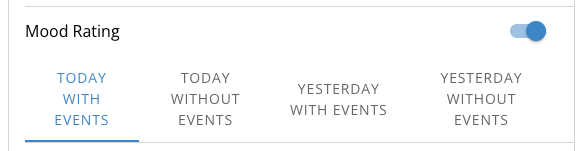
Mood Rating
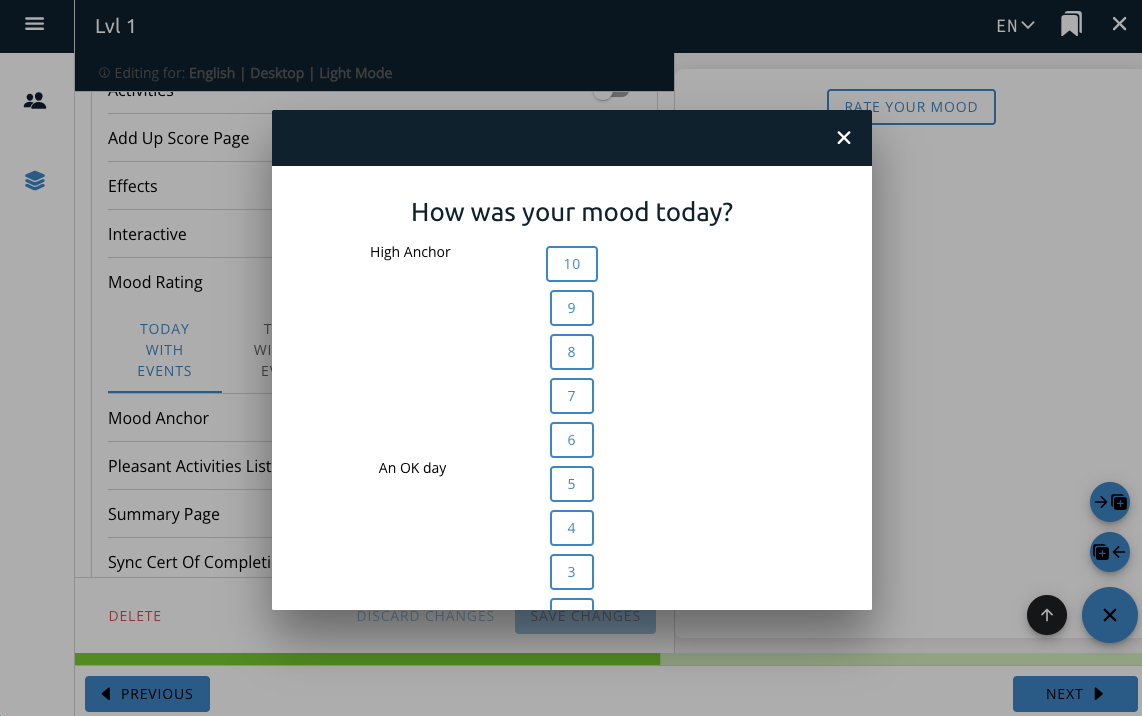
The Mood Rating feature interacts with the Mood Rating course option and provides a button on the page for the user to directly interact with the Mood Rating functionality and rate their mood for that day.
This will add a button to the page that will create a selection box for the user to rate their mood and set their number of pleasant activities.
Mood Anchor
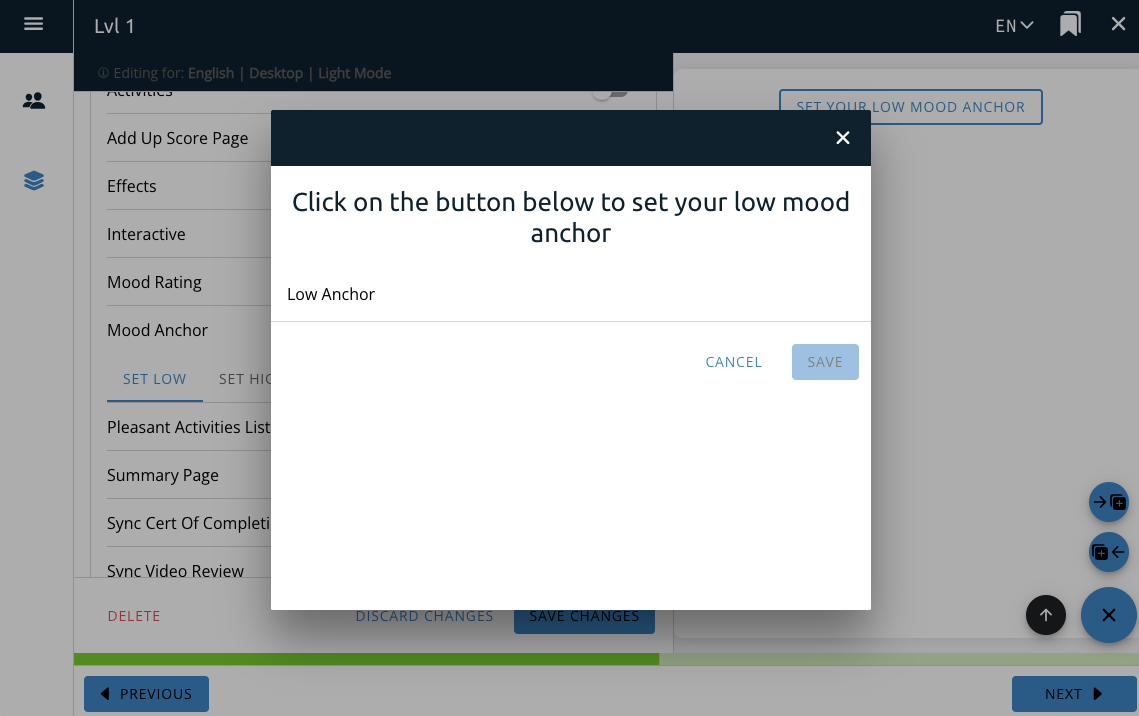
The Mood Anchor feature interacts with the Mood Anchor course option and provides a button on the page for the user to directly interact with the Mood Anchor functionality.
The set high and set low options will create a button on the page that when clicked will create a selection box for the user to set their high or low anchor, respectively.

Pleasant Activities List and Setting Goal
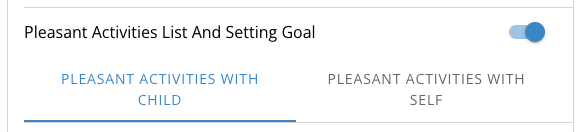
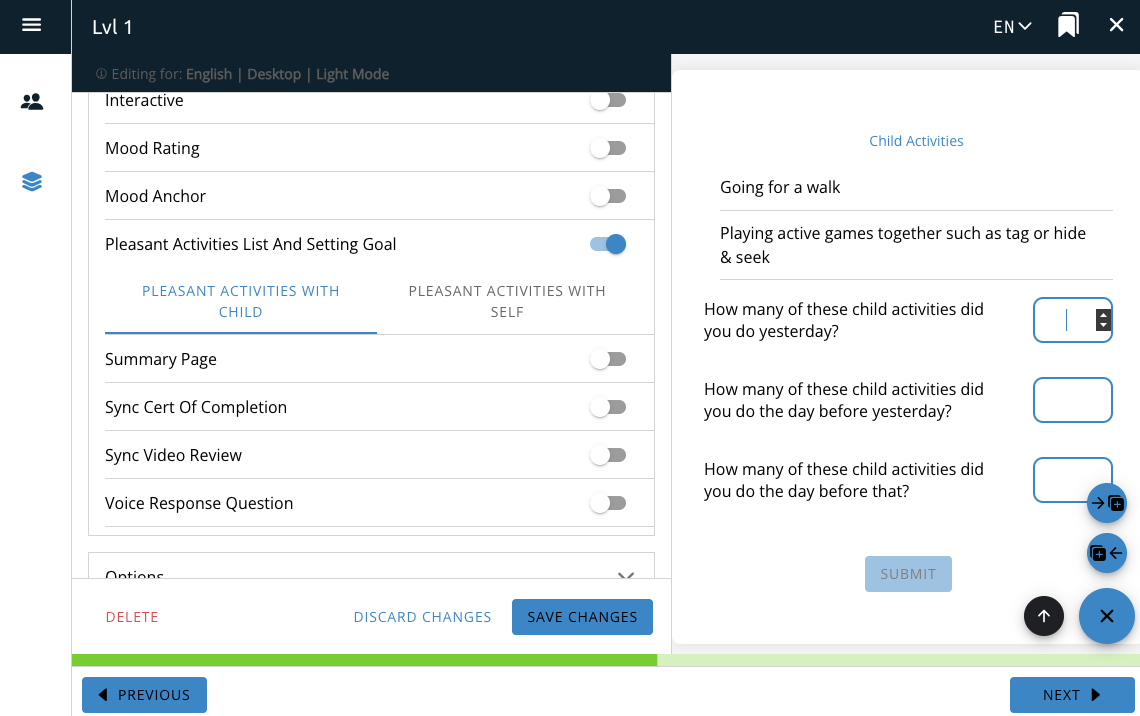
The Pleasant Activities List and Setting Goal feature interacts with the Pleasant Activities(link) course option and provides a list of questions for the user.
The “pleasant activities with child” and “pleasant activities with self” options will create a list of questions on the page for the user to answer about the pleasant activities they’ve selected previously.
Note: The questions in this feature are static and cannot be changed.
Summary
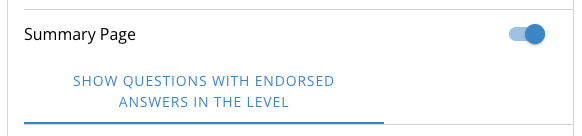
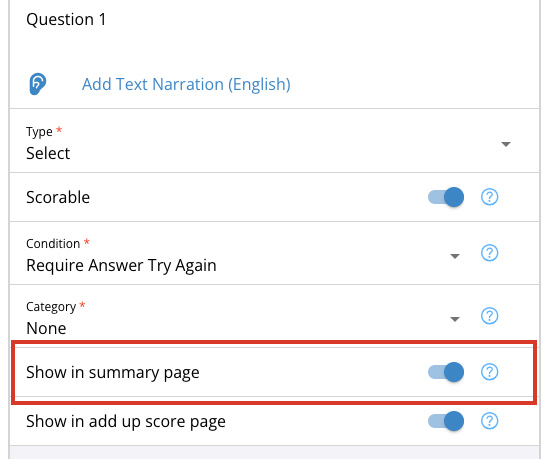
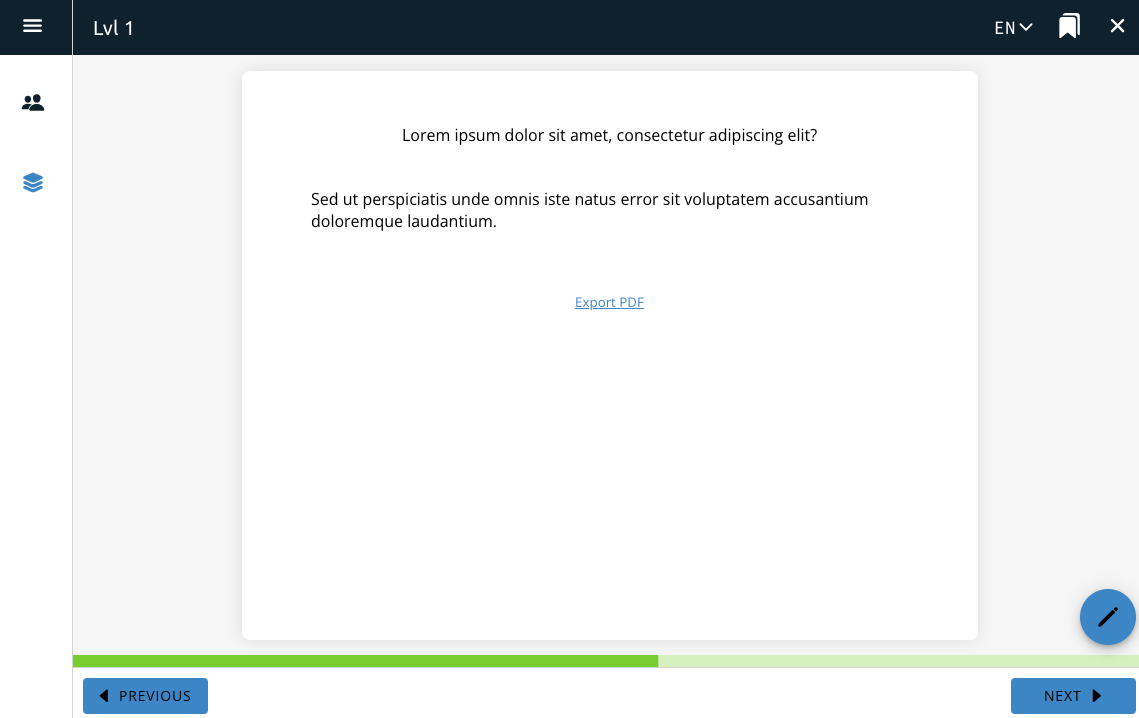
The Summary Page feature takes all quiz questions that have the “show in summary page” option selected and displays them on the page.
The Summary Page feature must be selected on a page after the questions you want to appear on the page.
The quiz questions will show up in a list that the user cannot edit. The user can also download a PDF of the questions for later viewing.
If this feature is enabled, quiz questions cannot be added to the page it is enabled on.
SYNC Features
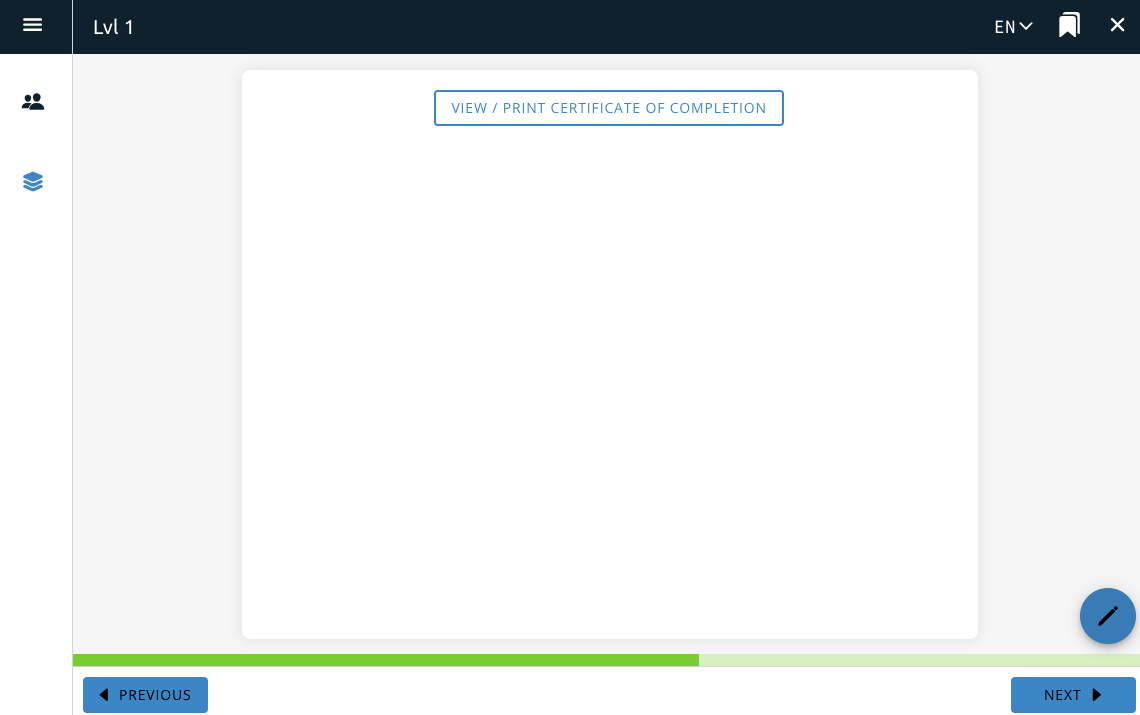
Certificate of Completion
Used for the SYNC project, this adds a button to the page that allows a user to download a certificate of completion with their information on it.


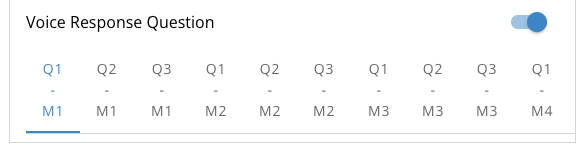
Voice Response Question
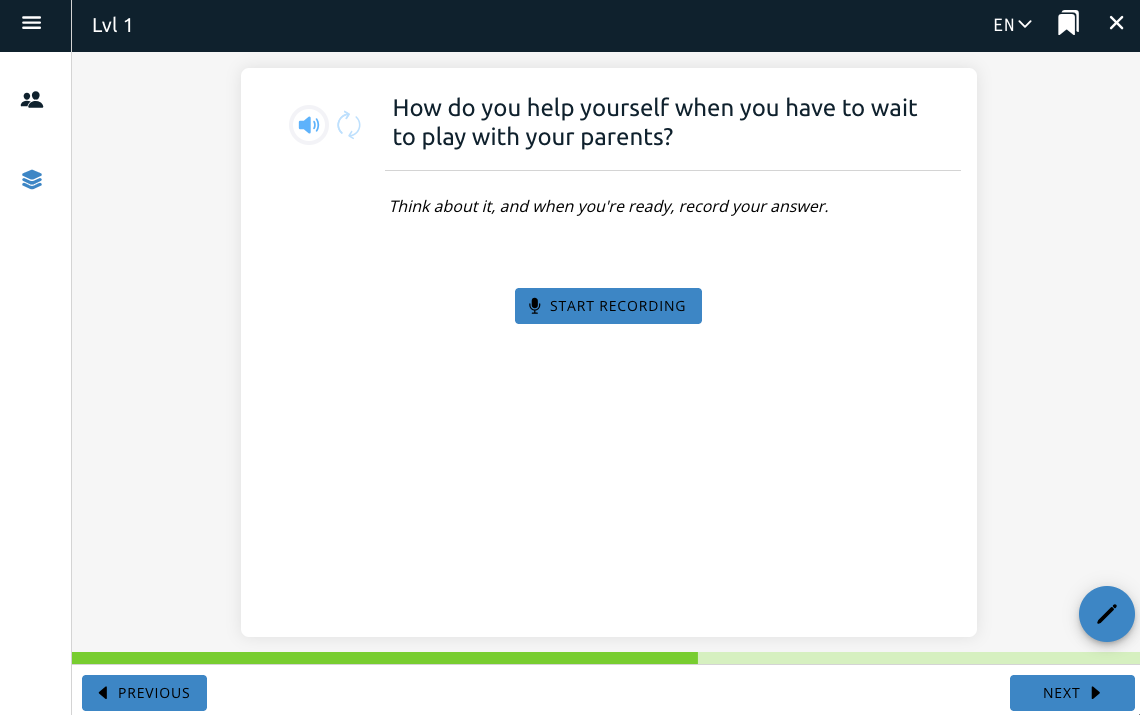
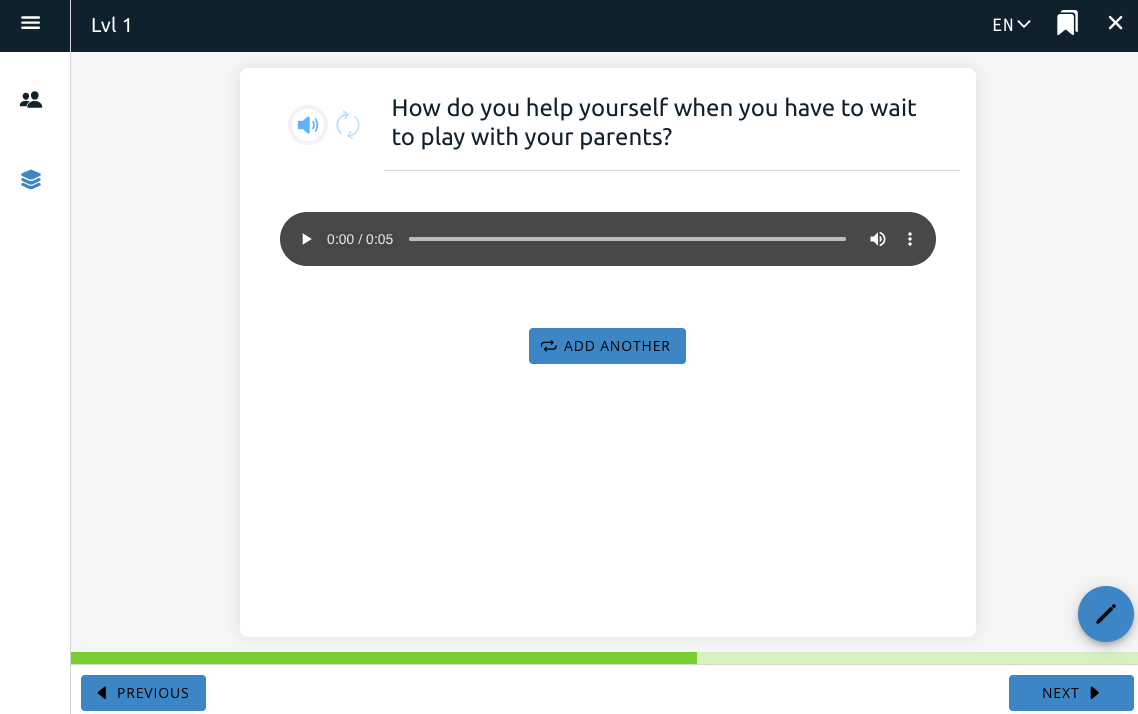
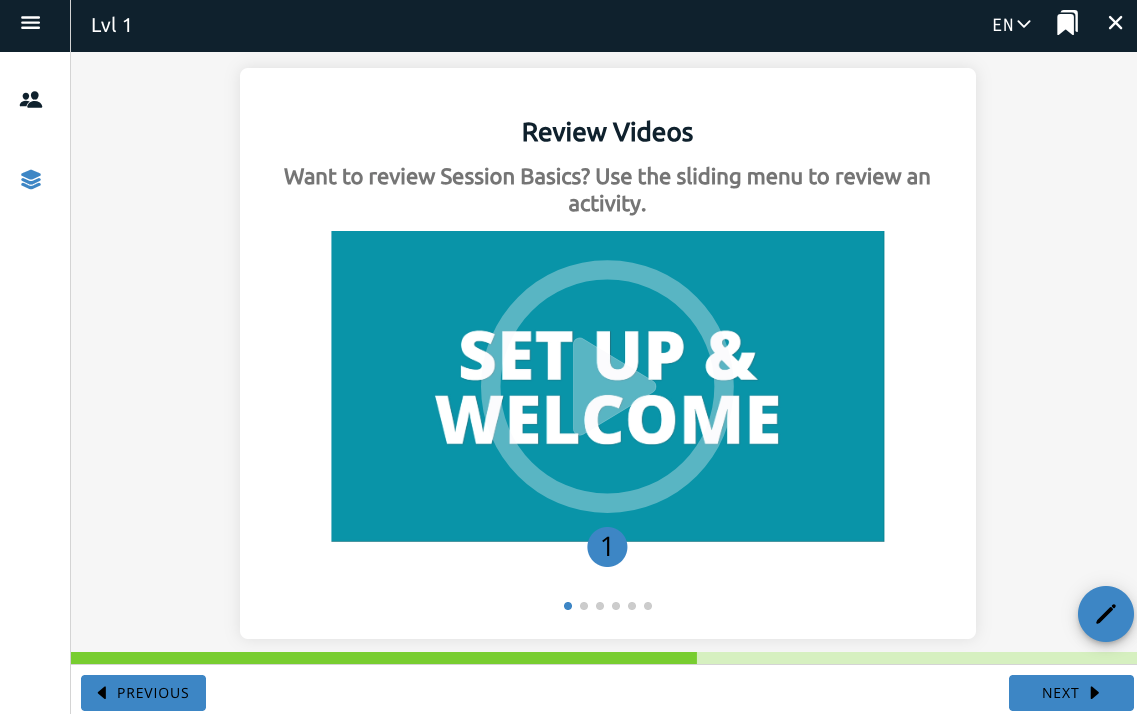
This is a feature for the SibTime project that allows a user to record themselves speaking about a specific prompt the feature provides for them.
This toggle includes the question on the page. A separate Conversation Bank feature, one of the course features, adds a new section to the app where a user can listen to their recordings from the voice response question feature.