Levels
Important details before you begin
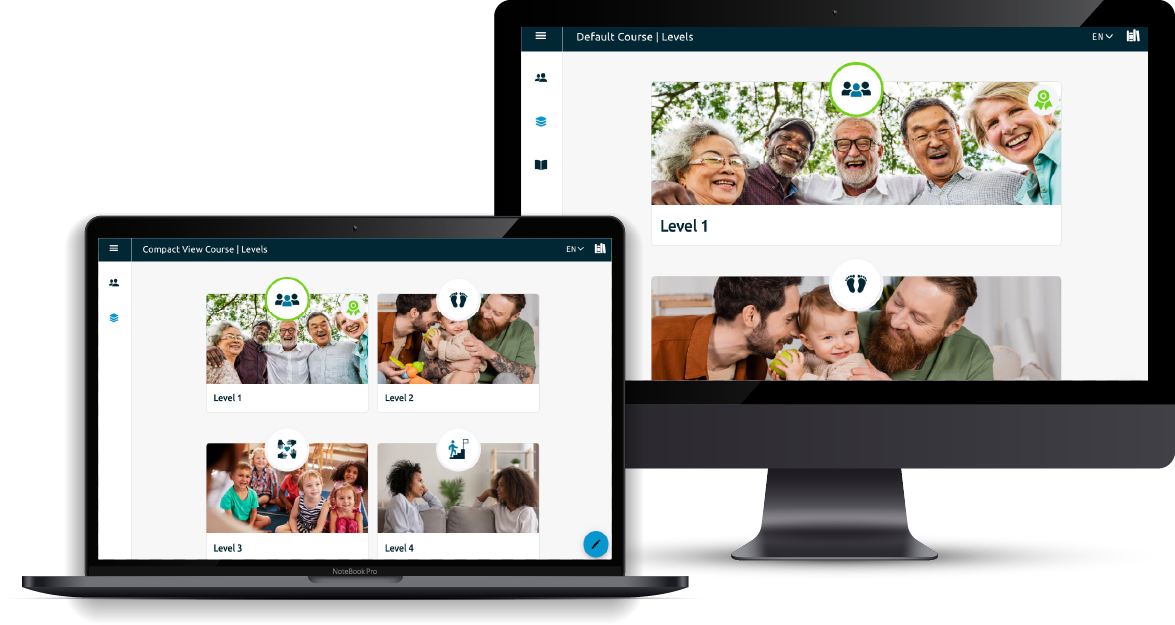
Levels are the building blocks of your course, each made up of a collection of pages. You can think of levels as the modules or sessions or units that comprise your course. In a standard level, learners move through pages in a set sequence, but you can also enhance the experience with features like interactive activities, quizzes, and branching. For more details on page types and behavior, see the Pages section.
Every level requires a title. You may also add optional elements such as a subtitle, description, icons, and sections to provide additional context and structure. Each of these topics is covered in more detail in their respective sections.
Courses themselves are created by administrators. For information on setting up a course, refer to the Admin Manual (PDF).
Level List Editor
After selecting the level list editor, you’ll now be able to create new levels and edit previously created levels.
To create a new level, select anywhere in the box with the dashed line.
When a new level is created it is automatically assigned the next number in the list. We’ll look at how to change that in a later section.